I Connected a Messenger to Antigravity IDE — A Real MCP Integration Review
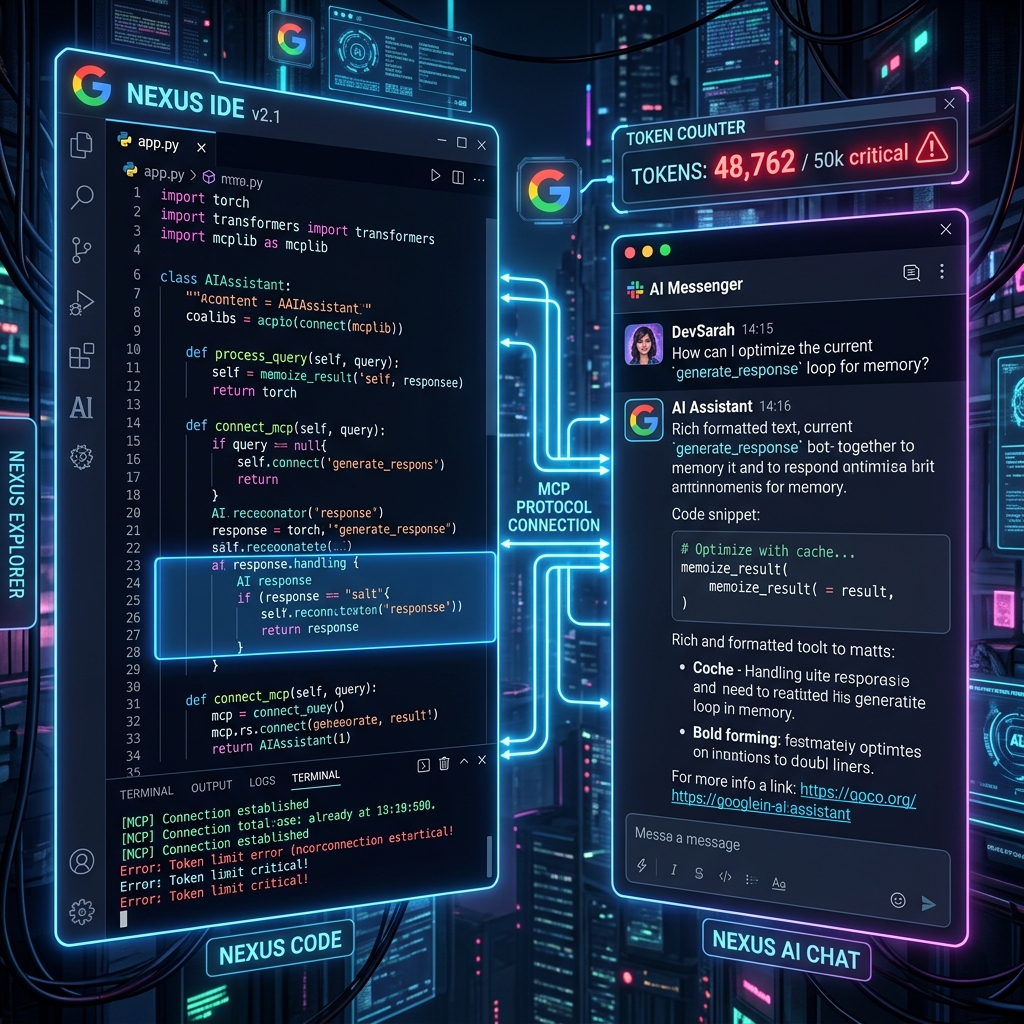
I Connected a Messenger to Antigravity IDE — A Real MCP Integration Review
The Day Auto Accept Disappeared
Yesterday, Antigravity IDE updated and suddenly disabled the Auto Accept feature.
Now I had to manually click Accept for every single code suggestion the AI made. At first, I thought it was no big deal — but once I was actually in the middle of coding, the friction was very real. (Honestly, I can't believe I used to live without auto accept...)
So out of frustration, I started browsing the new features tab.
Discovery: External Messenger Integration!
While reading through the update notes, I spotted something interesting:
External Messenger Integration — You can now connect AI agents directly to external messengers like Slack and Discord via MCP (Model Context Protocol).
This feels like a direct shot at OpenClaw (an autonomous agent powered by Claude). Giving instructions to AI via messenger has been one of OpenClaw's signature selling points — and now Antigravity is stepping into that space.
"Oh, this looks fun!" — and I jumped right in.
MCP Integration in Practice — Lost, Then Found
Setting up the MCP server was harder than expected. Finding the MCP store in Antigravity's agent panel, connecting the Slack MCP server, configuring auth tokens and workspace permissions — there were quite a few hurdles.
Honestly, I was pretty lost for a while. The official documentation is still sparse, and some configuration had to be done by directly editing config files.
But eventually — success! I could now send messages directly to the Antigravity AI agent from my messenger.
First Impressions After Integration
When I sent my first message, the AI's response was impressive. It answered thoroughly — perhaps a little too thoroughly. For a moment, I thought: "This might actually be better than OpenClaw + ChatGPT."
But then...
Token Shock 😱
After just a few messages — token limit warning.
I barely said anything!!!!
This is Antigravity's (Google AI-based) Achilles' heel. When using agent-based multi-step reasoning, your credits deplete much faster than you'd expect — even from just a few exchanges. This is especially pronounced with messenger integrations that need to maintain persistent context.
Real Cost Comparison: AI Coding Tools
Based on this experience, here's my honest breakdown:
| Tool | Highlights | Cost Efficiency |
|---|---|---|
| Antigravity (Google) | Multi-agent, messenger integration | Burns credits fast ⚠️ |
| OpenClaw + ChatGPT | Autonomous agent, OAuth for free | Could cut off anytime 🎲 |
| GitHub Copilot | IDE-integrated, versatile | Best value 💪 |
| Copilot + Codex (CLI) | Code assist + terminal agent | Solid practical combo ✅ |
I'm currently using OpenClaw with ChatGPT via OAuth for free. It could be cut off any day, but it's been lasting longer than expected — so I'll ride it out while it lasts.
For pure cost efficiency, OpenClaw + GitHub Copilot (Codex) seems like a genuinely practical combo worth considering.
Final Verdict: Is the Antigravity Messenger Integration Worth It?
Yes — if you have the credits to spare.
- Being able to give instructions to your IDE agent directly from a messenger is a genuinely novel and convenient experience.
- Once the setup is done, your workflow gets noticeably smoother.
- Just make sure you fully account for token consumption — it adds up fast.
If you're an Antigravity user thinking about trying the messenger integration, check your credit balance first. The setup process is a bit rough, but once it works, it's a pretty cool experience. 💬
TL;DR: Antigravity IDE messenger MCP integration → It works, but the token burn rate is significant. For cost efficiency, OpenClaw + Copilot is still a strong contender worth testing alongside it.


Comments
Post a Comment