The Difference That Makes or Breaks an Automation Script: It's UX
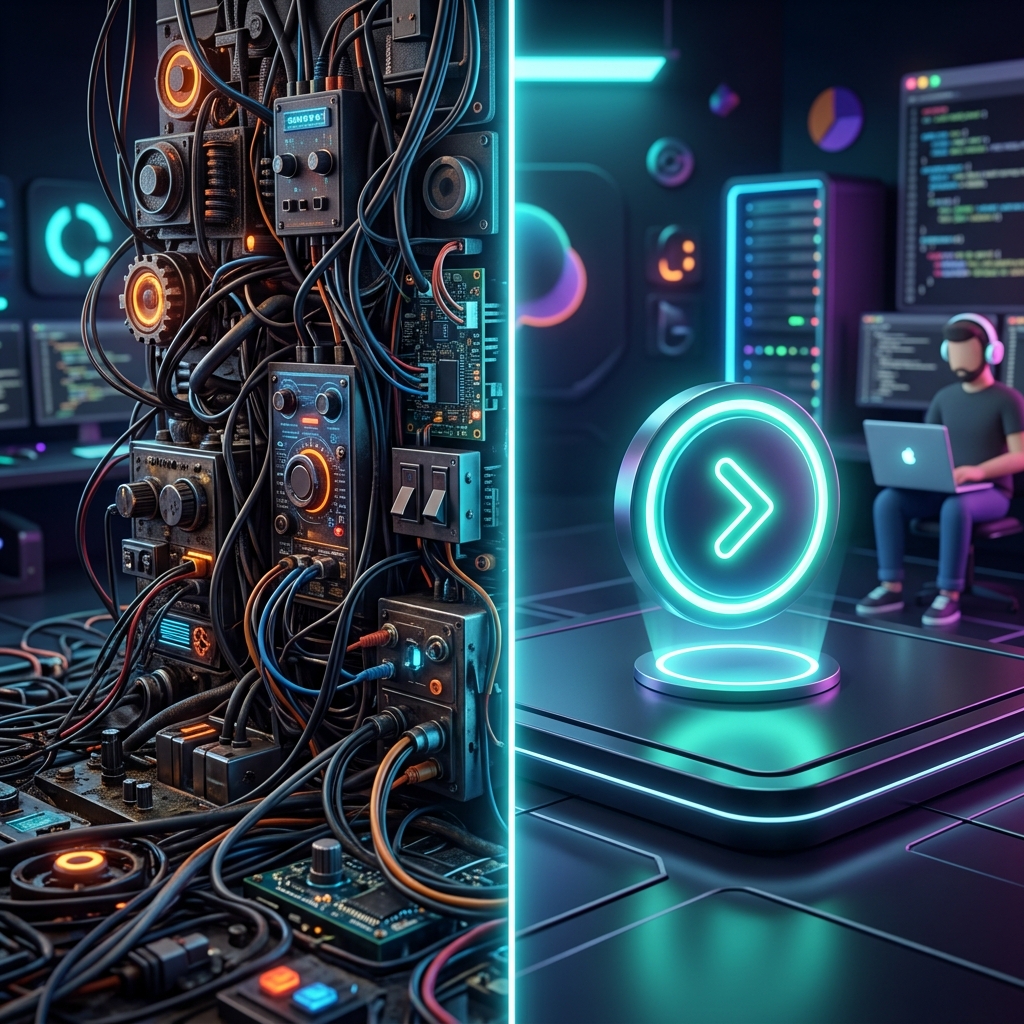
In development environments and operations, writing automation scripts to improve system efficiency is common. Nowadays, with the help of AI, anyone can generate scripts quickly and easily. However, even when using the same AI tool to create scripts for the same purpose, some scripts are loved by the team, while others are ignored. Why does this happen?
Through a recent experience with a colleague at the same site, I'd like to share the core element of an automation tool that wins users' choices.
"It works, but it takes too much manual effort"
The script my colleague made definitely achieved the requested 'purpose'. However, the process to run the script was the problem.
- The user had to manually connect to the Gateway server.
- After logging in, they had to manually query necessary information.
- The user had to check the status themselves, pick out the needed parts, and input them as script parameters before it would finally run.
In the end, to use this script, the operator had to understand the system structure well and couldn't relax before and after execution. The 'person' had to adapt to use the 'tool'.
"One click does it all"
On the other hand, the direction of the script I provided to the team was different.
- When the user selects only the objective,
- The script automatically connects to the target Gateway server,
- Gathers the necessary information itself, and shows it to the user.
- When the user confirms and clicks 'Next', the action is safely performed.
- It compares the results before and after execution and automatically leaves an Evidence file in a format easy to report.
The preparation required to use this script is 'zero'. Eventually, team members only used my script, and my colleague stepped away from automation tasks.
The Difference is UX (User Experience), Not Coding Skills
Why does this difference occur when coding with the same AI? The answer lies in UX (User eXperience).
When a requester says, "I need a script that does this," the approach of a junior and a senior diverges here:
- Junior's Approach: "I'll just write code that does 'only' this task and hand it over."
- Senior's Approach: "What does the requester ultimately want to achieve through this task? How can I help them reach their goal with the least amount of effort? How can I resolve the operator's biggest anxieties and provide evidence that reassures them?"
The Weapon Juniors Need to Develop
In an era where AI writes code for us, 'knowing syntax and typing code' is no longer a strong competitive edge. Now, a developer's true skill is judged by 'the ability to read the requester's context, design the process to achieve the goal with minimal action, and even provide psychological stability.'
This is an area that AI cannot perfectly replace yet, and where individual human capability differences are starkly revealed.
If you are a junior developer, you must train yourself to design 'the experience of the person using this tool', going beyond simply making code that works. That is the power of a senior that cannot be replaced in the AI era, and the surest way to prove your value as a developer.


Comments
Post a Comment