Remote Controlling the Big 3 AI Coding Agents (Claude Code, Antigravity, Codex) via Smartphone: A Practical Comparison & Orchestration Guide
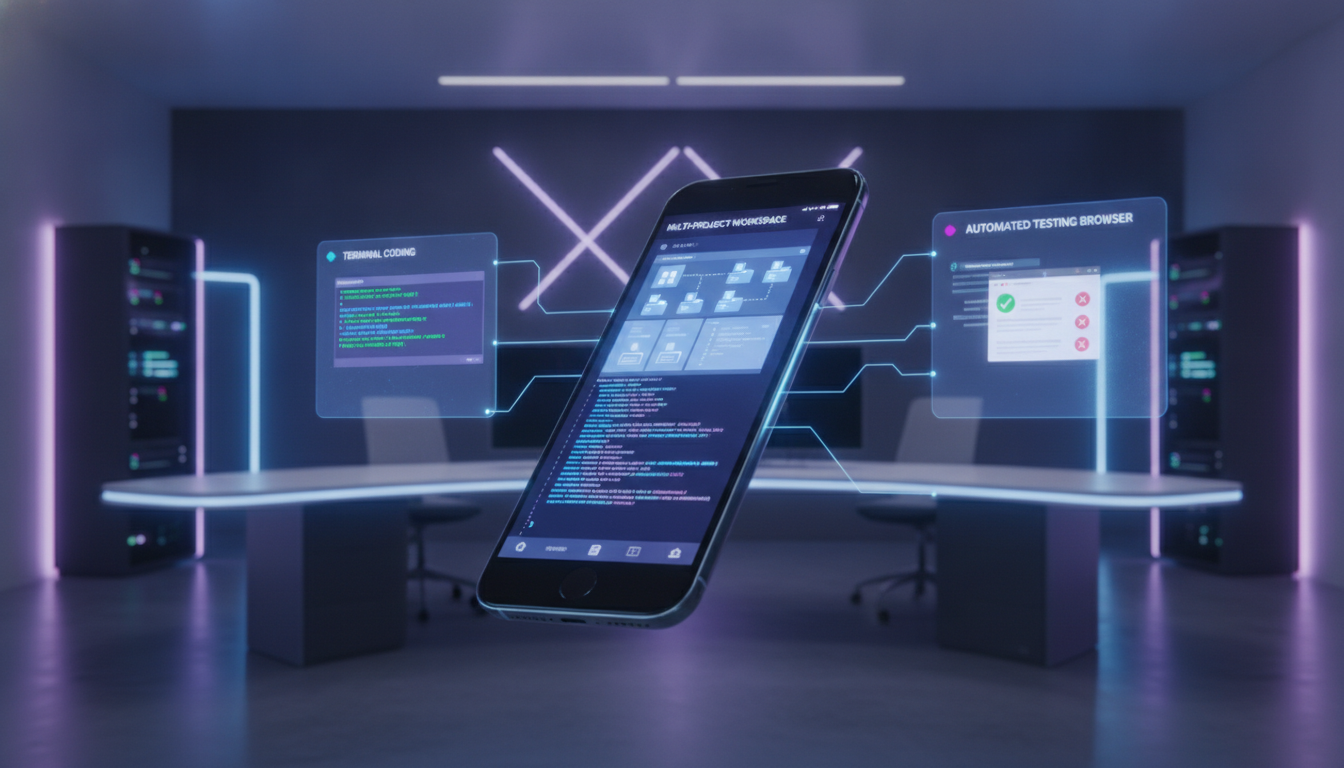
"Can you actually manage full-stack coding workflows from your smartphone in bed or on your commute?"
The short answer is: Absolutely, and it is already a game-changer.
Over the past few months, I have been remotely controlling the top three AI coding agents—Claude Code, Google Antigravity, and OpenAI Codex (via ChatGPT Projects)—entirely from my smartphone.
While all three support mobile remote management, their underlying architectures and UX philosophies differ significantly. Here is an honest, hands-on comparison based on running multiple PCs and concurrent projects from mobile.
1. Claude Code: Powerful Deep-Dives, But High Friction in Multi-PC & Multi-Session Setups
Anthropic's Claude Code enables mobile remote control through the dedicated Code tab in the official Claude mobile app.
📱 Mobile Setup & Workflow
- After launching Claude Code in your terminal, run
/remote-controlto expose the session to your mobile client. - You can automate this by setting it to launch
/remote-controlautomatically in your local configuration (~/.claude/config.json).
⚠️ Real-World Limitations
- Ambiguous Machine Identification: When running across 3 different physical PCs, mobile simply lists sessions without clearly distinguishing which machine owns which session.
- Session Grouping Desync: Grouping sessions by PC fails to persist across mobile app and web UI restarts. Once a session drops, groupings are lost.
- Single Session per PC Constraint: Running two concurrent Claude Code instances on the same machine often results in only one being properly recognized on mobile. Switching projects requires local CLI commands.
- Local vs Cloud Container Confusion: Clicking "Open New Session" in a mobile browser spawns an isolated cloud sandbox container rather than accessing your local machine—meaning it cannot access local files on your PC.
Takeaway: Brilliant when concentrating on a single project on a single workstation, but cumbersome for multi-machine or multi-project workflows.
2. Google Antigravity: The Gold Standard for Mobile Multi-Project Orchestration 🏆
For orchestrating multiple projects across multiple local machines from a mobile screen, Google Antigravity is by far the cleanest and most frictionless agent.
📱 Mobile Experience
- Launching Antigravity generates a direct Web URL and QR code. Saving this URL lets you access the full control interface via any mobile browser.
- You can spin up new sessions directly from your phone, seamlessly pick between different local project directories, and issue parallel tasks.
- Multiple PCs each expose their own dedicated URLs, completely eliminating session collisions.
Takeaway: By staying tightly coupled to the local file system while providing a lightweight web UI, Antigravity offers the most natural PC-agent architecture for mobile control.
3. OpenAI Codex & ChatGPT Projects: Built for QA, Virtual Browser Actions, and High-Level Management
OpenAI's ecosystem is primarily driven through the ChatGPT mobile app.
📱 Strengths & Recommended Use Cases
- ChatGPT Projects excels at separating high-level context and syncing with GitHub repositories.
- However, unlike Antigravity, it is not designed to directly mount and modify local PC directories in real-time.
- Where it truly shines: Virtual browser testing and external URL processing. Performing automated login flows, verifying UI behavior, and executing E2E QA checks on completed issues is unmatched in ChatGPT Projects.
4. Multi-Agent Orchestration via GIIP FDE Box Issue Queues
In production engineering, you do not need to lock yourself into a single AI ecosystem. Each agent has distinct architectural strengths.
In my workflow, I centralize all engineering tasks into an Issue Queue managed by GIIP FDE Box (AI FDE Platform):
- Deep architectural refactoring & single-module coding: Dispatched to local Claude Code terminal sessions.
- Concurrent multi-service local development: Dispatched and steered via Antigravity mobile browser sessions.
- Post-deployment QA & E2E verification: Dispatched to ChatGPT Projects for virtual browser scenario testing.
By orchestrating AI agents through a centralized issue queue rather than relying on one monolithic agent, teams can bypass individual platform constraints and achieve peak developer productivity—all from the palm of their hand.


Comments
Post a Comment